
IU ScheduleScout
Compare professors using real grade data, see who's teaching next semester, and auto-build your optimal schedule.
📊
Professor Analysis
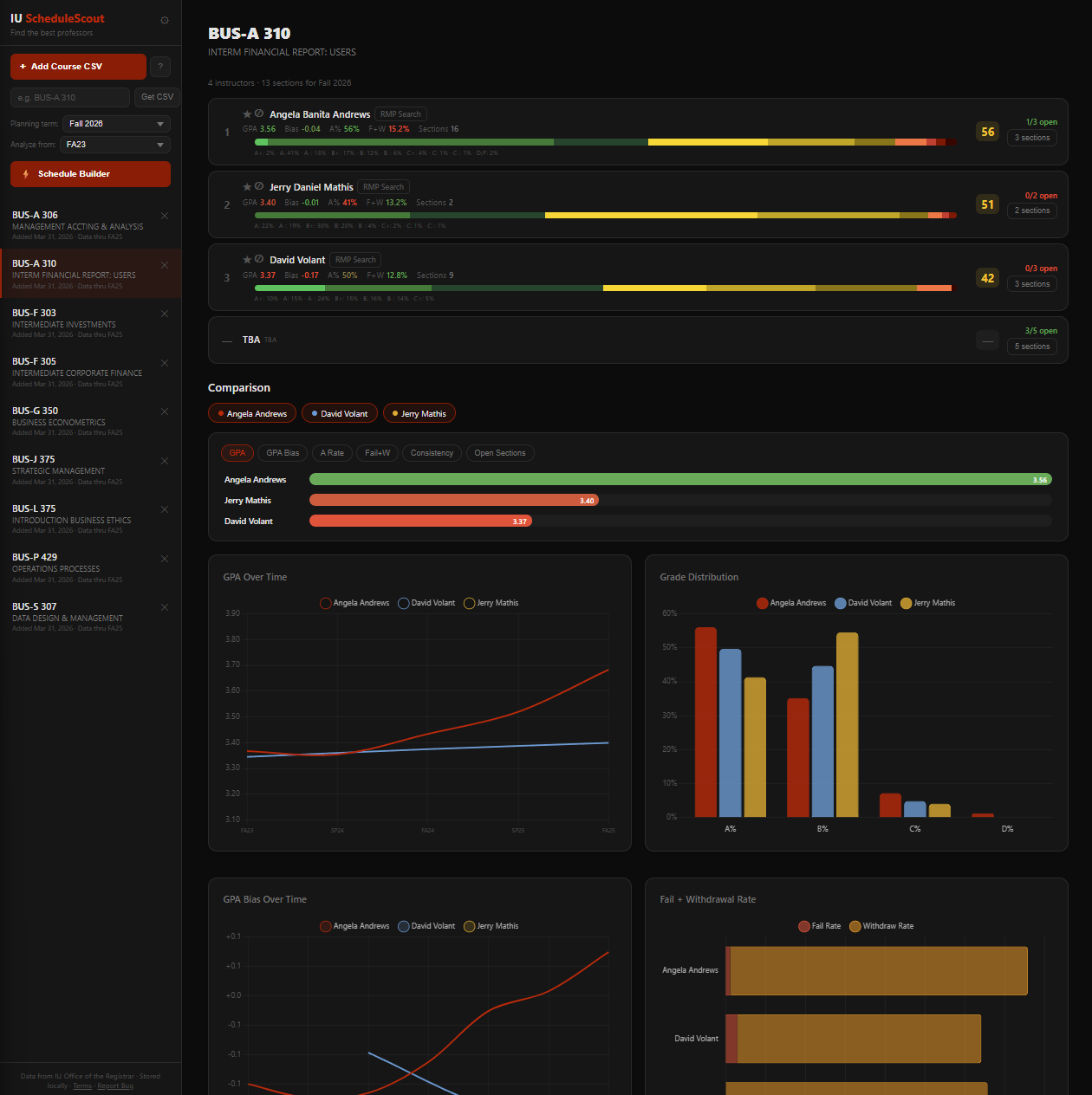
See GPA, grade distributions, bias, fail rates, and consistency for every professor who's taught a course.
📅
Live Schedule
See who's teaching next semester with real-time section availability, seat counts, and waitlist info.
⚡
Schedule Builder
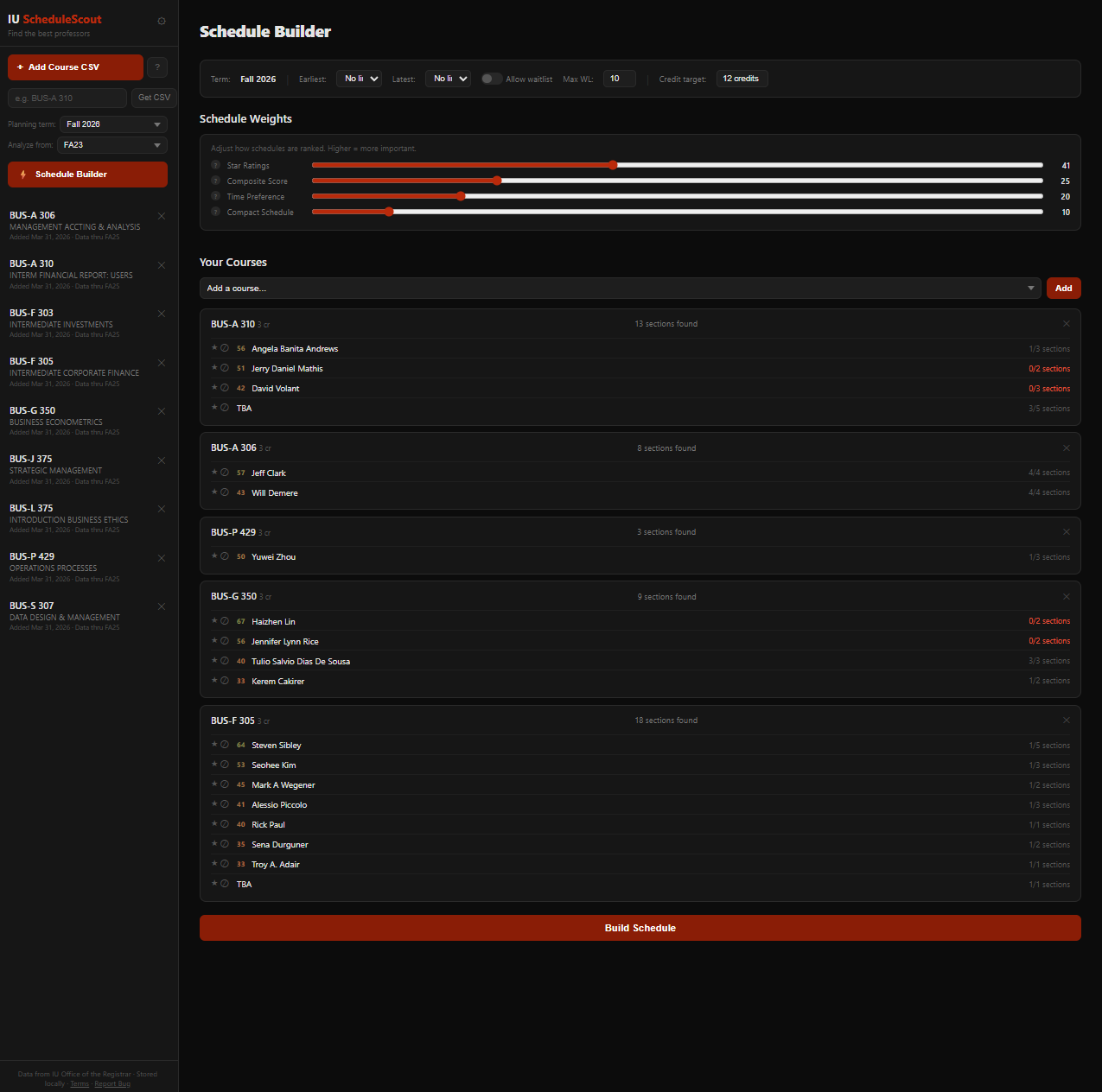
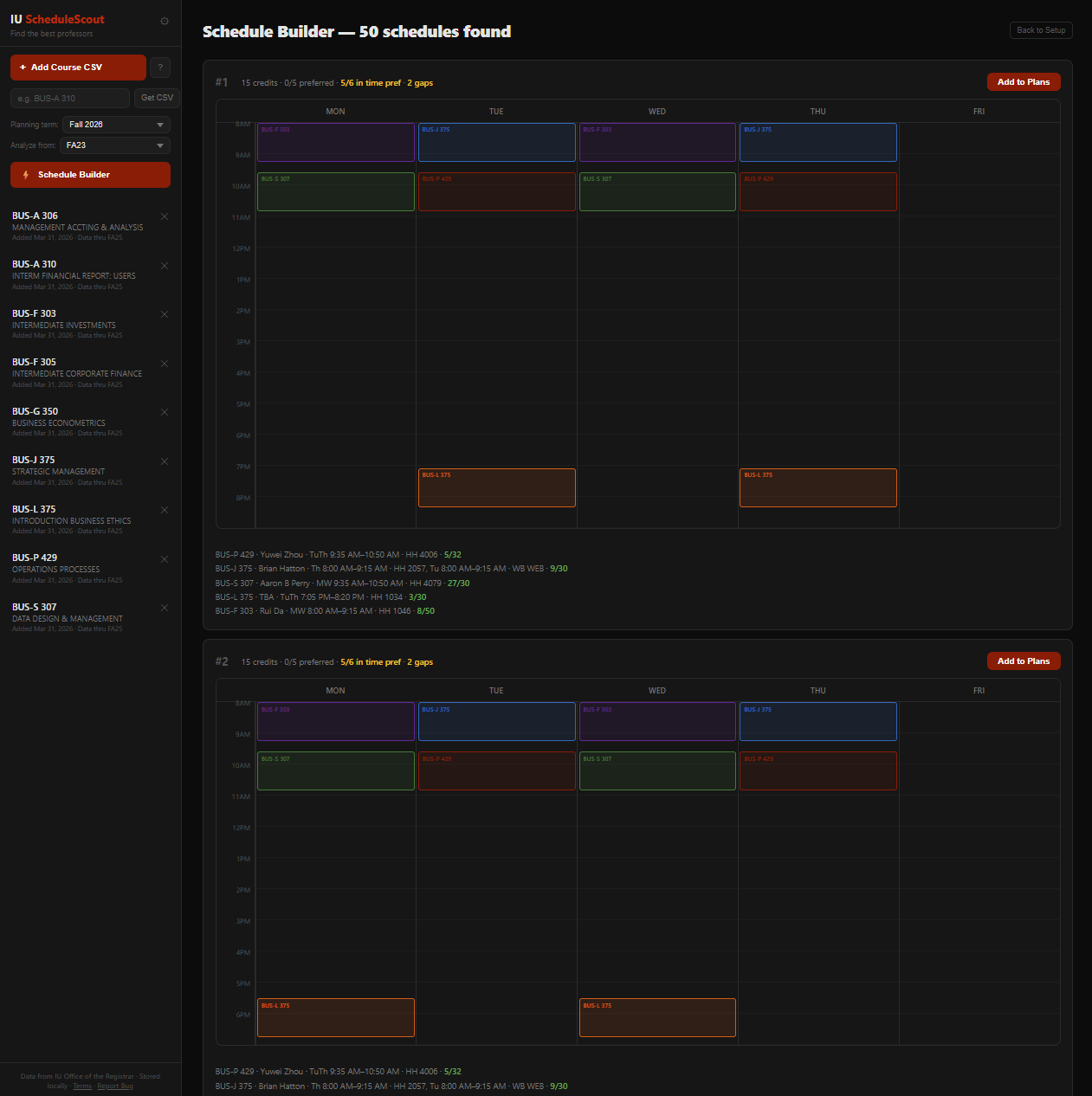
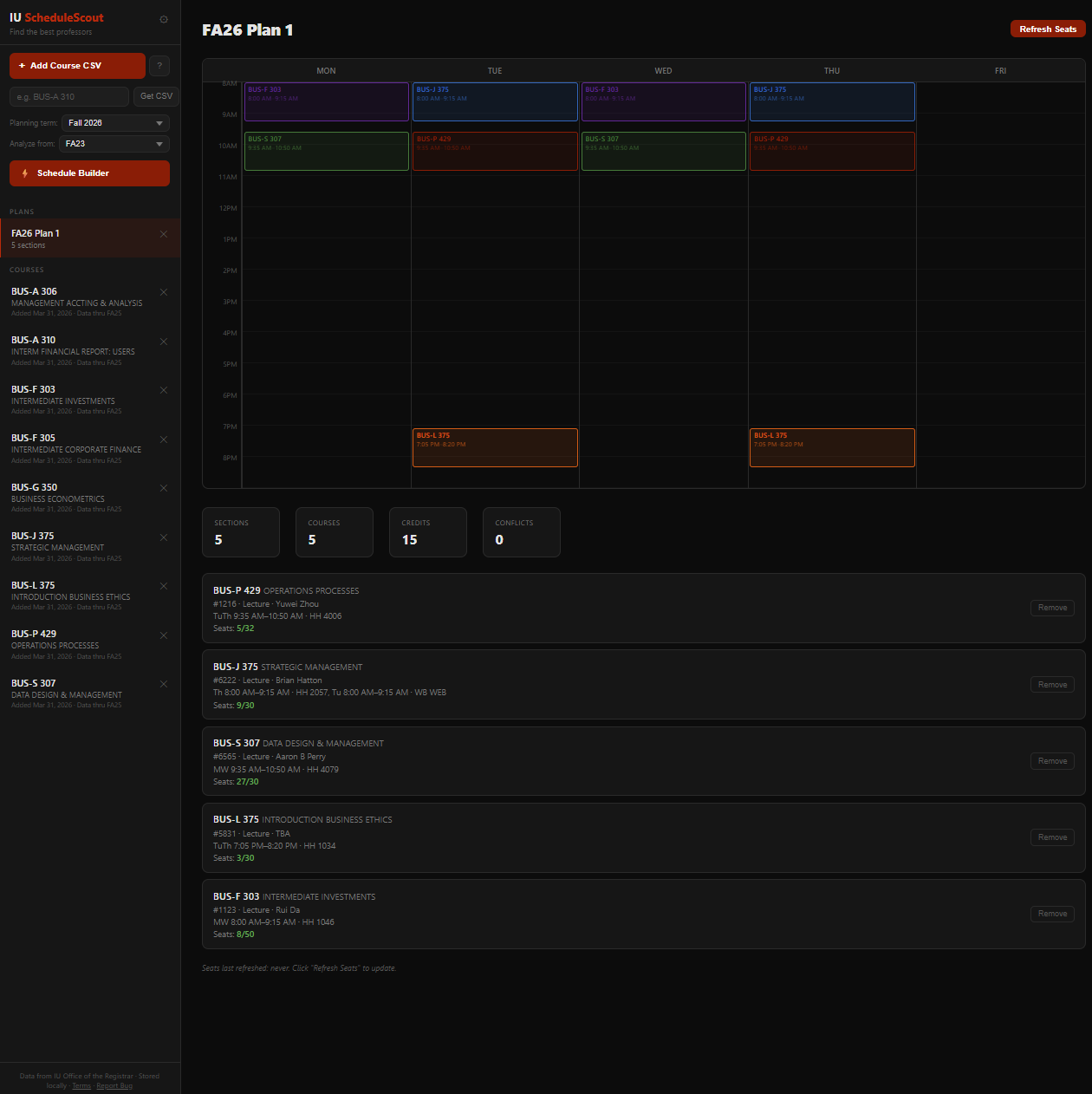
Add your courses, star your preferred professors, and auto-generate conflict-free schedules ranked by your preferences.
⭐
Star & Block
Star professors you want, block ones you don't. The schedule builder respects your choices and finds the best fit.
Get Started
1 Download grade data from IU's grade distribution site — search for a course and click Export. You can also type a course code in the "Get CSV" box in the sidebar to go directly to the download page.
2 Click "Add Course CSV" or drag the downloaded file onto this page. Repeat for each course you're considering.
3 Select a Planning Term in the sidebar to see live sections. Click into a course to compare professors.
4 Use the Schedule Builder to auto-generate your best semester schedule based on your preferences.
Drop CSV files here or click "Add Course CSV" to get started
Free and open for all IU Bloomington students · No account needed · Data stored locally in your browser