
IU ScheduleScout

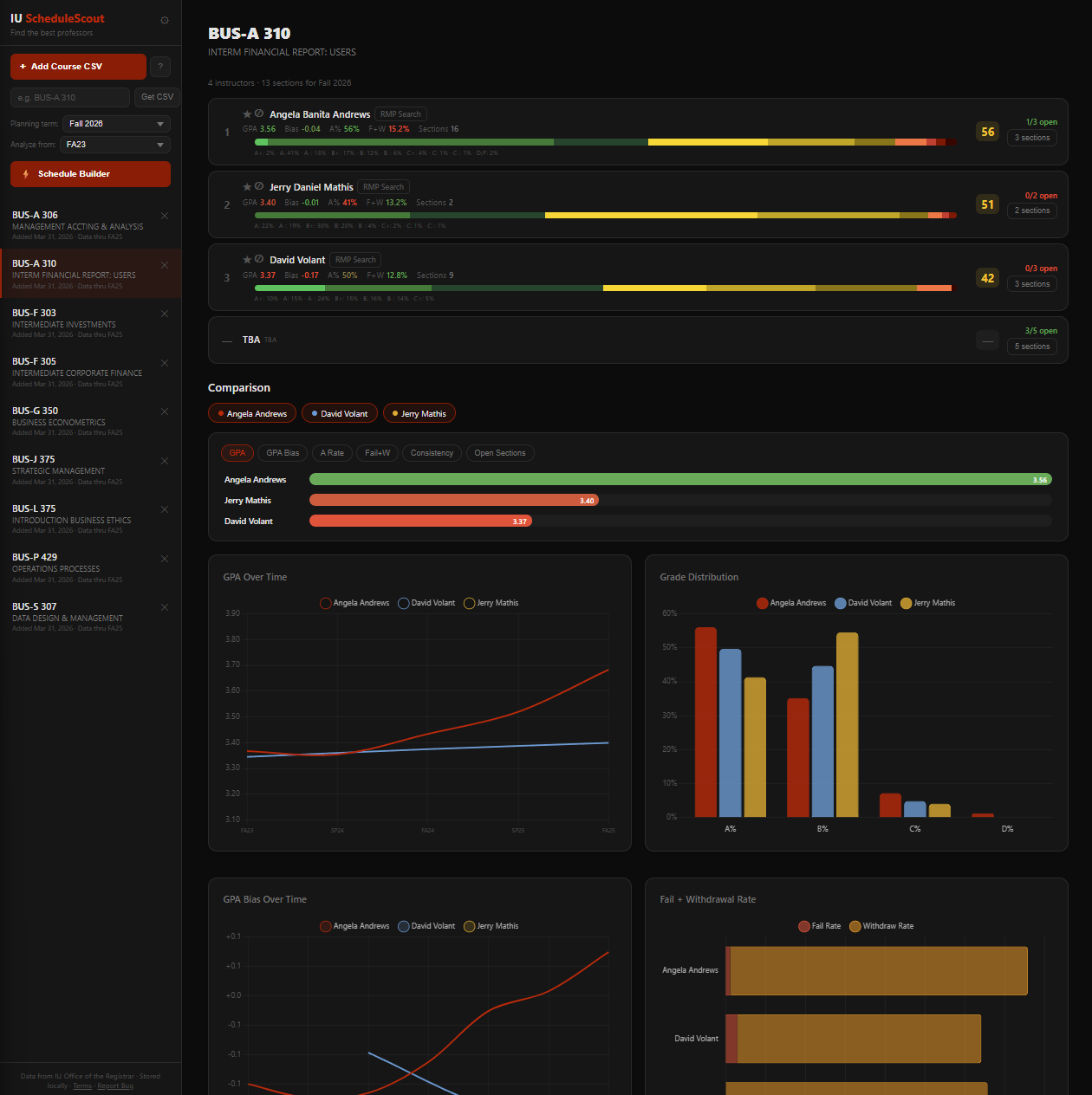
Compare professors using real grade data, see who's teaching next semester, and auto-build your optimal schedule.

📊
Professor Analysis
See GPA, grade distributions, bias, fail rates, and consistency for every professor who's taught a course.
📅
Live Schedule
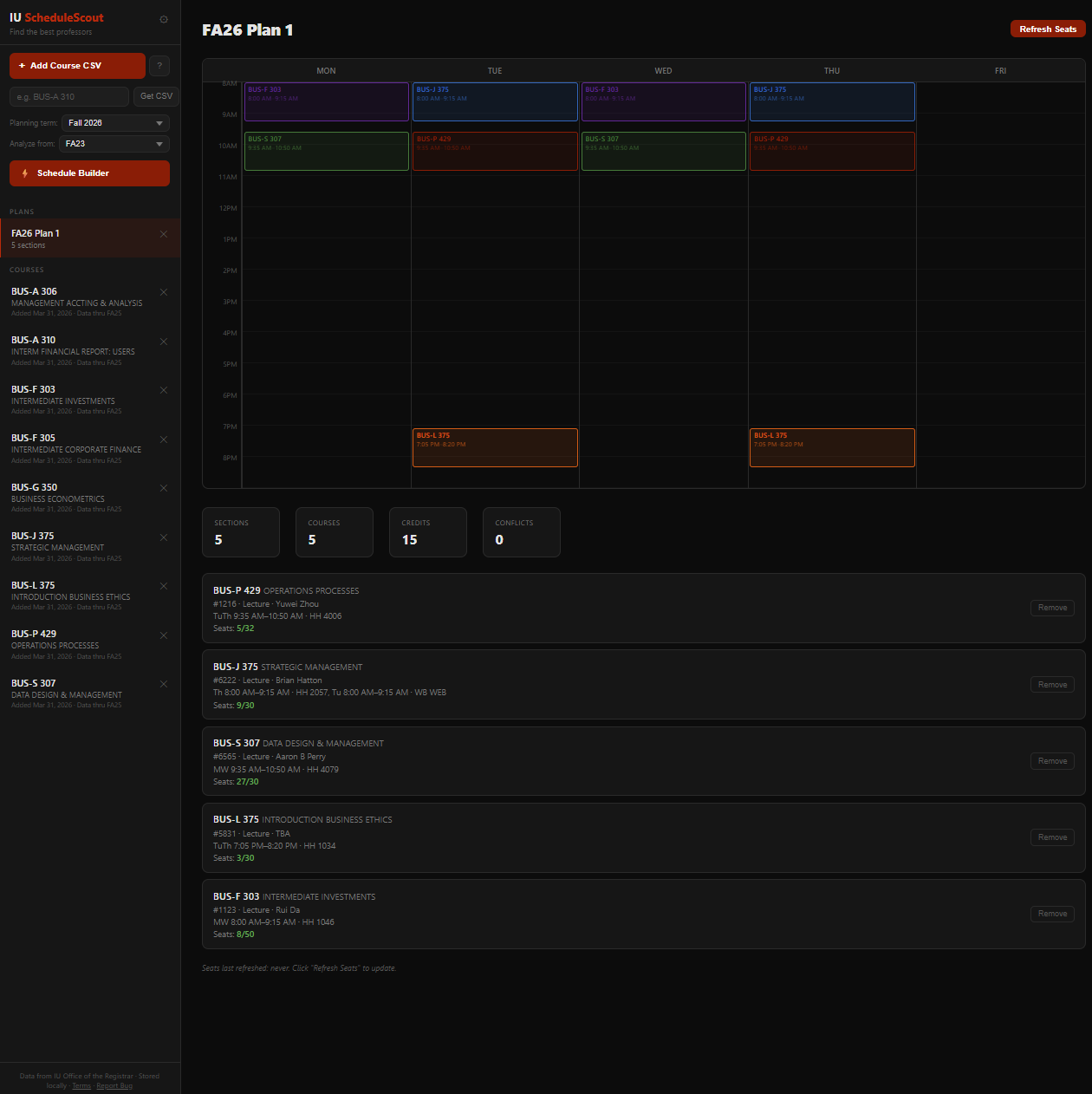
See who's teaching next semester with real-time section availability, seat counts, and waitlist info.
Schedule Builder
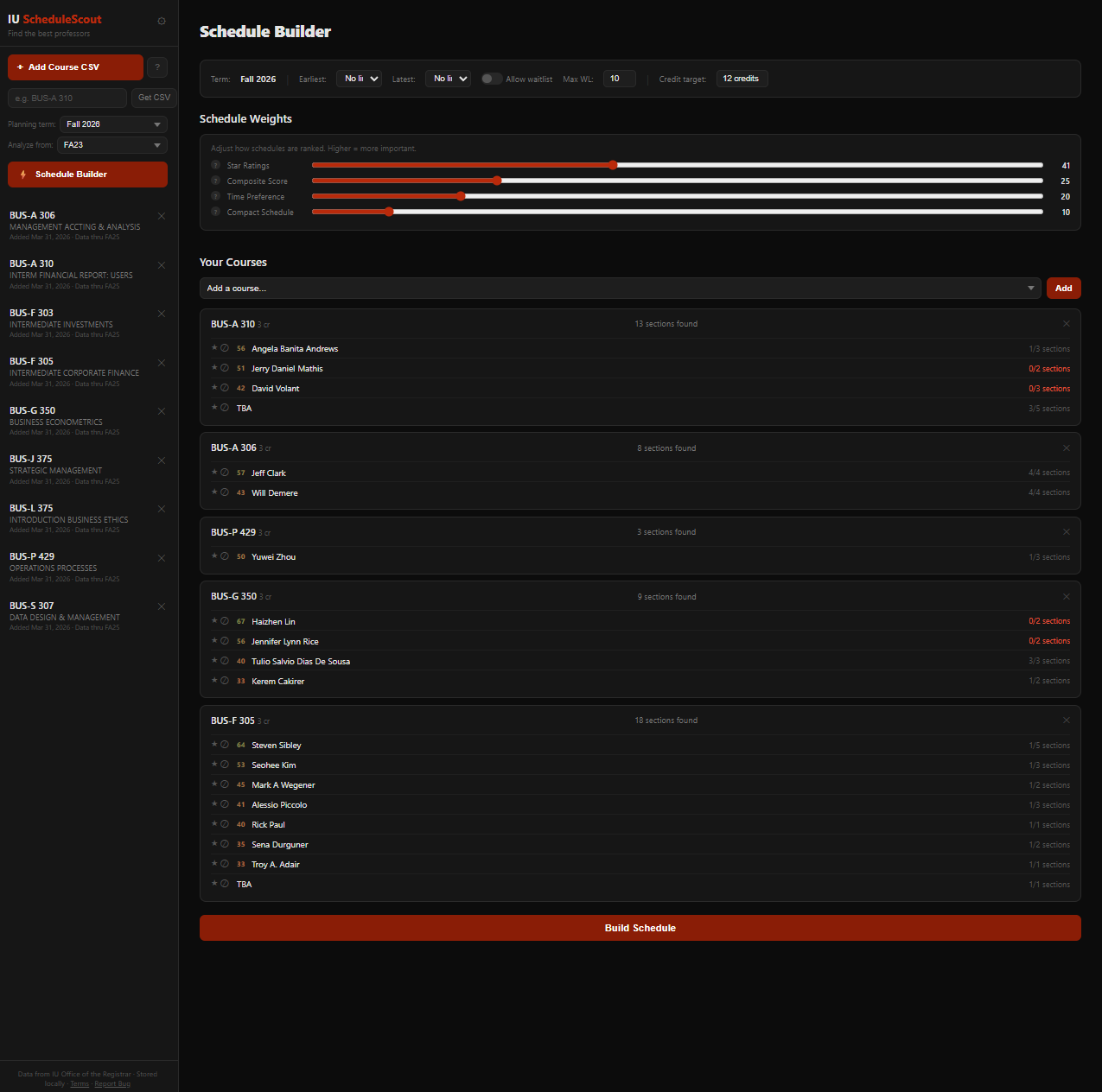
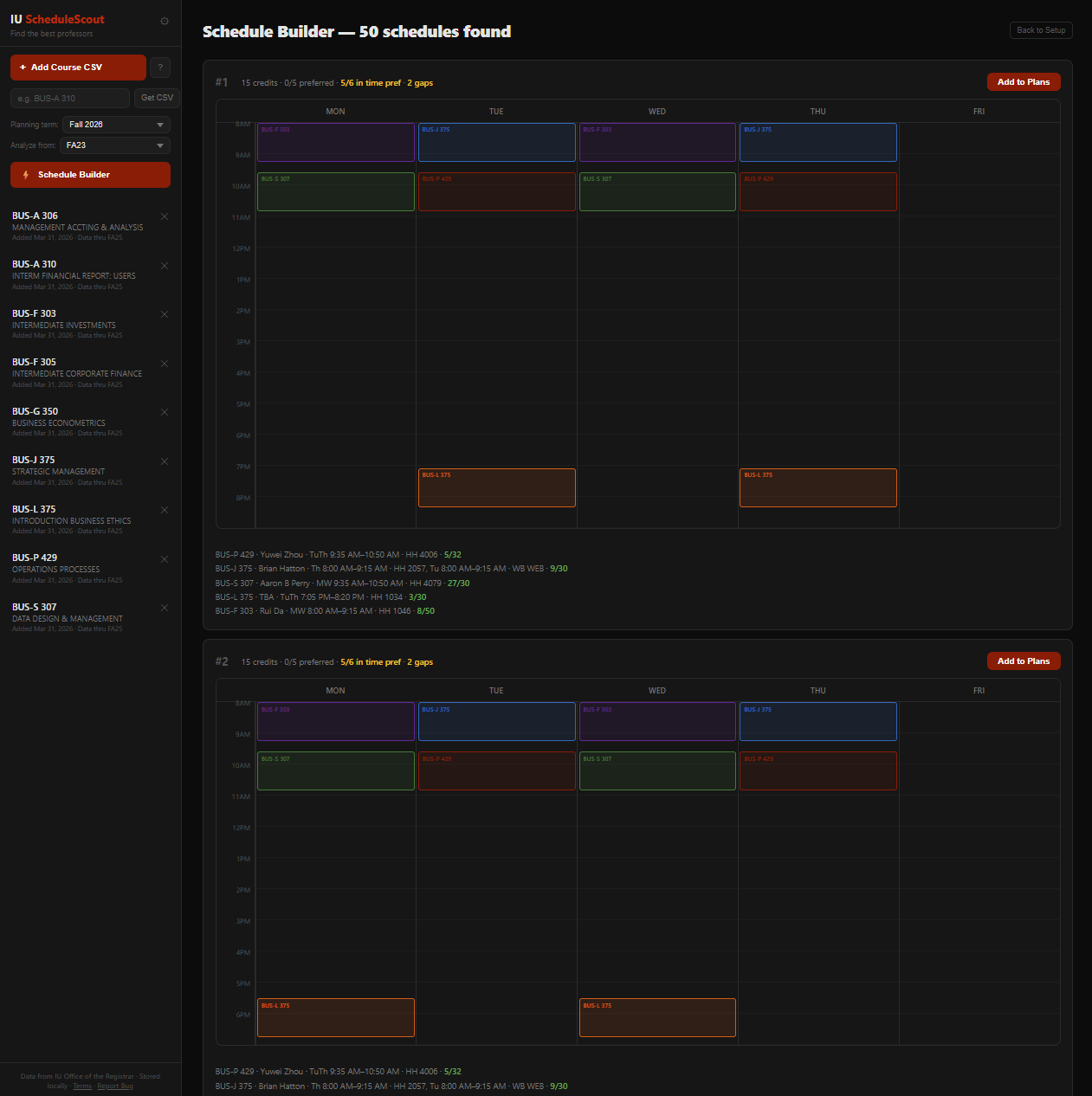
Add your courses, star your preferred professors, and auto-generate conflict-free schedules ranked by your preferences.
Star & Block
Star professors you want, block ones you don't. The schedule builder respects your choices and finds the best fit.
Get Started
1 Download grade data from IU's grade distribution site — search for a course and click Export. You can also type a course code in the "Get CSV" box in the sidebar to go directly to the download page.
2 Click "Add Course CSV" or drag the downloaded file onto this page. Repeat for each course you're considering.
3 Select a Planning Term in the sidebar to see live sections. Click into a course to compare professors.
4 Use the Schedule Builder to auto-generate your best semester schedule based on your preferences.
Drop CSV files here or click "Add Course CSV" to get started
Free and open for all IU Bloomington students · No account needed · Data stored locally in your browser

Score Weights

Adjust how professors are ranked. Higher weight = more importance. Changes apply immediately.

Terms of Use

IU ScheduleScout is an independent student project. It is not affiliated with, endorsed by, or officially connected to Indiana University.

Grade distribution data comes from IU's public Office of the Registrar records and may contain errors or be outdated. Schedule data comes from IU's public course information and may not reflect real-time availability.

This tool provides information to assist with course planning. It does not guarantee course availability, professor assignments, seat counts, or grades.

All data is stored locally in your browser. No personal information is collected, stored, or sent to any server other than IU's public APIs.

Use this tool at your own discretion and always verify information through official IU systems before registering.

How to get grade data

  1. Go to gradedistribution.registrar.indiana.edu and log in with your IU account.
  2. Search for your course (e.g. BUS-A 310).
  3. Click "Export" to download a CSV file — this is a spreadsheet file containing all the grade data.
  4. Come back here and either click "Add Course CSV" or drag the file onto this page.
  5. Repeat for each course you want to analyze!
Shortcut: You can also type a course code in the "Get CSV" box above — it will open the IU download page for that course directly.